OpenAI’s GPT-5.5 will be generally available tomorrow in Microsoft Foundry, bringing OpenAI’s latest frontier model to Azure and the enterprise teams building agents for real production work.
GPT-5.5 continues a clear progression in the GPT-5 series. GPT-5 brought unified reasoning and speed into a single system. GPT-5.4 brought stronger multi-step reasoning and early agentic capabilities for enterprise use. GPT-5.5 advances this arc with deeper long-context reasoning, more reliable agentic execution, improved computer-use accuracy, and greater token efficiency—designed for sustained, high-stakes professional workflows.
Powerful models alone aren’t enough to operationalize agentic AI at scale. Microsoft Foundry provides the platform layer that turns frontier models into usable, governable systems that enable enterprises to apply security policy and management at the platform level. Foundry is a unified, interoperable environment to build, optimize, and deploy AI applications and agents with confidence. Customers benefit from broad model choice, open and flexible agent frameworks, native integration with enterprise systems and productivity tools, and enterprise-grade security, compliance, and governance. When new models like GPT-5.5 become available, Foundry makes it easy to evaluate, productionize, and scale them without friction.
Explore models in Microsoft Foundry
What’s new in GPT-5.5
GPT-5.5 is built for professional scenarios where precision, reliability, and persistence matter. GPT-5.5 Pro, a premium variant, extends reasoning depth and task complexity for the most demanding enterprise workloads.
Improved agentic coding and computer-use: Executes multi-step engineering tasks end-to-end—holding context across large systems, diagnosing the root cause of ambiguous failures at the architectural level, and reasoning through what else in the codebase a fix will affect before making a move. It anticipates downstream testing and review requirements without needing to be told, and navigates software interfaces with improved precision and more reliable recovery when execution takes an unexpected turn.
Autonomous execution and research depth: Goes beyond code to handle the full span of professional work—producing polished deliverables like documents, spreadsheets, and presentations. For research-intensive workflows, GPT-5.5 operates as an active collaborator across the entire arc from question to output: refining drafts across multiple passes, stress-testing analytical reasoning, proposing approaches, and synthesizing across documents, data, and code to drive work forward rather than just answering it.
Complex reasoning and long-context analysis: Handles extensive documents, codebases, and multi-session histories without losing the thread.
Token efficiency built for scale: GPT-5.5 reaches higher-quality outputs with fewer tokens and fewer retries—lowering cost and latency for production deployments at scale.
GPT-5.5 is particularly well suited for domains where the cost of imprecision is high—such as software engineering, DevOps, legal, health sciences, and professional services. With GPT-5.5 in Microsoft Foundry, customers can pair OpenAI’s latest frontier model with enterprise-grade infrastructure to put agentic AI into production.
Microsoft Foundry: The operating system for GPT-5.5 agents at scale
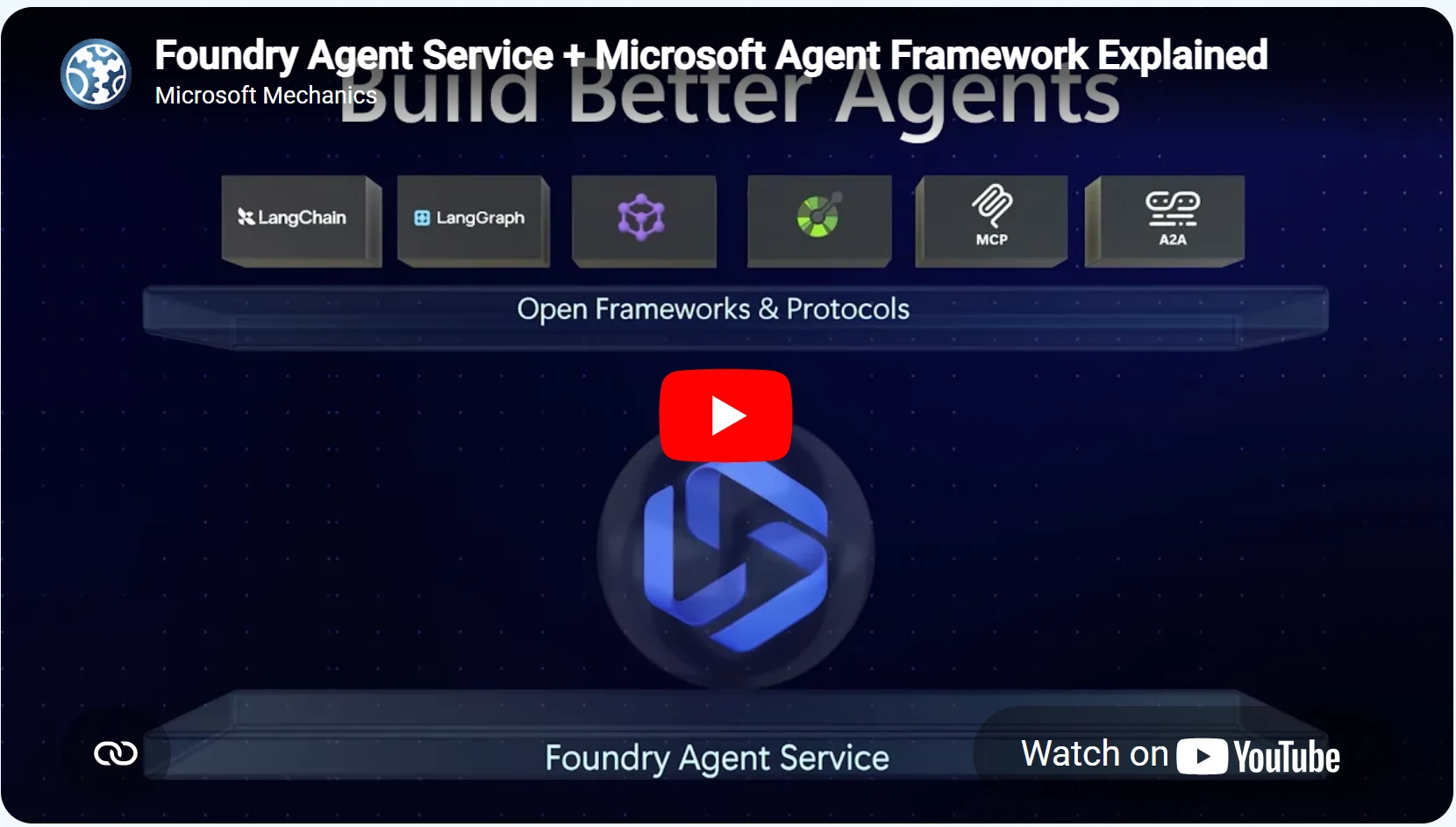
Access to a frontier model is just the starting point. What we see from customers is that the hard part isn’t building an agent: it’s running thousands of them in production, with real isolation, identity, and governance. That’s where Foundry Agent Service comes in.
A revolution is unfolding in the market. Now, a developer can reliably reason through a business problem with a coding agent—human’s interact with a model doing heavy thinking, research, asking questions — and the output is a production agent: a declarative workflow suitable for a specific task, and connected to your business systems.
These declarative agents can be defined in YAML or written in a harness like Microsoft Agent Framework, GitHub Copilot SDK, or virtually any library. With hosted agents in Foundry Agent Service, LangGraph, Claude Agent SDK, and OpenAI Agents SDKs all work the same way. Engineers can run a single command to land agents in an isolated sandbox with a persistent filesystem, a distinct Microsoft Entra identity, and scale-to-zero pricing. Enterprise ready agents, at scale, powered by GPT-5.5.
Learn more about Foundry Agent Service and Microsoft Agent Framework.
Pricing
ModelInput ($/M tokens)Cached Input ($/M tokens)Output ($/M tokens)GPT-5.5$5.00$0.50$30.00GPT-5.5 Pro$30.00$3.00$180.00
Get started with Microsoft Foundry
Stop experimenting and start building your next production AI workloads with GPT-5.5 in Microsoft Foundry.
The post OpenAI’s GPT-5.5 in Microsoft Foundry: Frontier intelligence on an enterprise ready platform appeared first on Microsoft Azure Blog.
Quelle: Azure