Friday Five — August 13, 2021

The Friday Five is a weekly Red Hat® blog post with 5 of the week’s top news items and ideas from or about Red Hat and the technology industry. Consider it your weekly digest of things that caught our eye.

Quelle: CloudForms

Understanding and verifying security of Diffie-Hellman parameters

There are two methods commonly used to agree on shared secrets: have one party use some long-term asymmetric key to encrypt the secret and send it to the owner of the key (like in an RSA key exchange), or have both parties exchange messages that contribute to the computed shared secret (what we call Diffie-Hellman key exchange).  Learn more about the Diffie-Hellman in this post. 
Quelle: CloudForms

Your App Deserves More than Kubernetes Ingress: Kubernetes Ingress vs. Istio Gateway [webinar]

Any application running at production scale should have an “Ingress” to expose itself to the outside world. While Kubernetes provides the “Ingress” resource for this purpose, its feature set is limited depending on the kind of Ingress Controller (usually nginx) being used. Alternatively, you can leverage Istio and take advantage of its more feature-rich Ingress … Continued
Quelle: Mirantis

Using RHEL System Roles to automate and manage Network Bound Disk Encryption

Red Hat Enterprise Linux (RHEL) has offered the ability to encrypt disks for many years, but the network bound disk encryption (NBDE) functionality, which can automatically unlock volumes by utilizing one or more network servers (referred to as Tang servers), can make implementing disk encryption easier. This post will cover how to get started with the NBDE Client and NBDE Server roles by walking through a simple implementation with a single Tang server. 
Quelle: CloudForms

Expand your possibilities with automation

One of the best things organizations can do to transform their operations is also one of the things they’re often hesitant to do: embrace automation. Read more about some common misconceptions of automation and how it can expand your possibilities as an organization.
Quelle: CloudForms

Using AI/ML for automated detection of sepsis

Critical care patients generate huge volumes of data about their current state which is a challenge for clinicians to digest. Suppose computers could help clinicians analyze the data and detect diseases like sepsis early, before patients are deathly ill. That’s what we’re working towards with artificial intelligence and machine learning.
Quelle: CloudForms

Faster, More Flexible Editing of Your Sidebars, Headers, and Footers: Blocks for Widgets

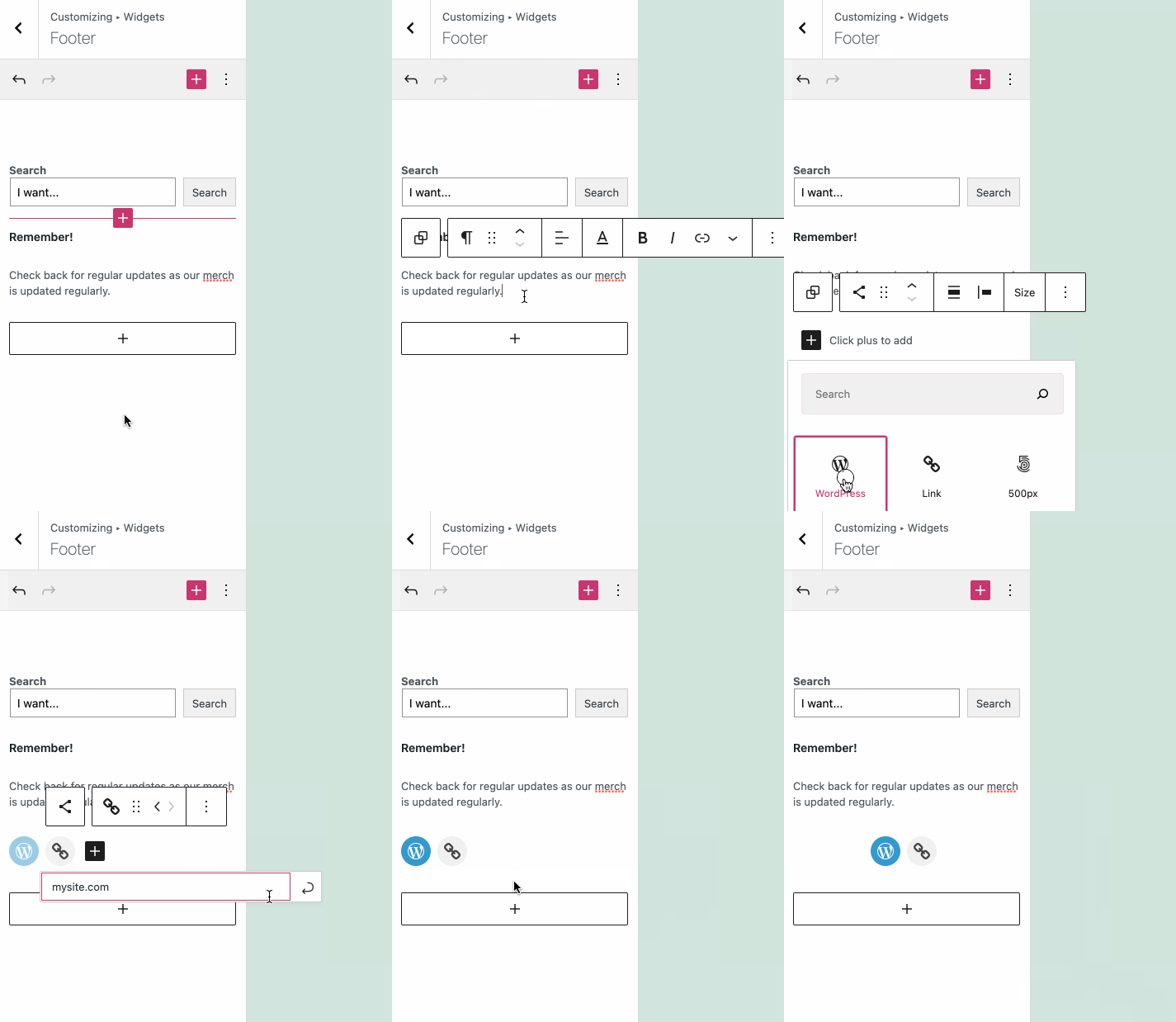
The block editor makes site creation fast and flexible. Now, you can use that same huge library of blocks available when editing your pages and posts to edit and customize your sidebars, headers, and footers.

What are Widgets?

Sidebars, headers, and footers on your WordPress.com website are powered by widgets. Widgets are small but powerful modules to arrange and display content and tools around the edges of your posts and pages. Until now, widgets have been the best way to insert a variety of content — from calendars to social icons — into the sidebar, header, and footer of your site.

Flexibility with the Block Editor

Setting up and managing widgets was a very static and often tricky process. The block editor you’re familiar with in pages and posts is now part of the widgets editor. This aims to put editing power in your control.

You’re no longer limited to just widgets — any block is for your choosing.

For example, in your sidebar, header, and footer, you can now:

Tweak the structure by adding columns or spacersQuickly add content like a Search block or a headerFormat content via colors and rich text editing

What About Older Widgets?

Every widget that exists today will be incorporated into blocks.

But don’t worry — your current widgets will still work and can be used alongside your other blocks. Even legacy widgets that don’t have a block equivalent will work. Just use your preferred method of inserting a block, search for the widget’s name, and insert.

Getting Started

If you’ve never edited the content in your sidebar, header, or footer, now is a great time to experiment!

To edit the content, go to Appearance → Customize → Widgets and you’ll now be able to directly add widgets and any blocks, while previewing exactly what they’ll look like on your site.

This update is just one more step on the way to a more intuitive site editing experience. Go forth and create!
Quelle: RedHat Stack