Sheryl Sandberg Says Facebook Will Tweak Its Ad Platform To Eliminate Hateful Categories

Justin Tallis / AFP / Getty Images

Facebook is making changes to its ad platform in an attempt to prevent people from using it for hateful ad targeting.

On Wednesday afternoon, Facebook COO Sheryl Sandberg responded to a ProPublica report published last week that found advertisers could use Facebook to target people interested in topics like “Jew hater,” “How to burn jews,” and the Nazi Party. In a Facebook post, Sandberg called the targeting criteria totally inappropriate, and said Facebook will make changes to prevent similar issues from taking place again.

“Seeing those words made me disgusted and disappointed – disgusted by these sentiments and disappointed that our systems allowed this,” she said.

Here’s Sandberg’s full post:

View Video ›

Facebook: sheryl

Before last week's report, whenever someone wrote anything into Facebook's self-reported profile fields — education, employment, job title, and field of study — Facebook's ad system would automatically make that entry a targeting option. So people listing “Jew hater” in their field of study automatically turned “Jew hater” into an ad targeting option. To fix the problem, Facebook is adding human review to the process, hoping it will be a firewall against something like this happening again. ProPublica found the targeting criteria inside Facebook's ad system following a tip. there were 2,274 people in the “Jew hater” category that it discovered.

Facebook is also working on a program “to encourage people on Facebook to report potential abuses of our ads system to us directly,” Sandberg said. The company will also clarify its ad policies and tighten its enforcement of the policies Sandberg said, without providing much more detail.

Sandberg admitted in her post that Facebook was unprepared for such abuse because it hadn't considered it. “We never intended or anticipated this functionality being used this way – and that is on us. And we did not find it ourselves – and that is also on us,” she said.

Facebook's inability to anticipate how less-than-altruistic people might abuse its products has been a long-running problem and has factored into a number of its biggest crises, from its fake news scandal to the shocking level of violence that's aired on Facebook Live. As BuzzFeed News' Mat Honan put it in April, “The problem with connecting everyone on the planet is that a lot of people are assholes.”

Asked if the need to add human reviewers means there's a fundamental flaw with its technology, Facebook directed BuzzFeed News to this line in Sandberg's post: “The fact that hateful terms were even offered as options was totally inappropriate and a fail on our part.”

Quelle: <a href="Sheryl Sandberg Says Facebook Will Tweak Its Ad Platform To Eliminate Hateful Categories“>BuzzFeed

Announcing larger, higher scale storage accounts

One of the fastest areas of growth in cloud computing is around data storage. With a variety of workloads such as IoT telemetry, logging, media, genomics and archival driving cloud data growth, the need for scalable capacity, bandwidth, and transactions for storing and analyzing data for business insights, is more important than ever.

Up to 10x increase to Blob storage account scalability

We are excited to announce improvements in the capacity and scalability of standard Azure storage accounts, which greatly improves your experience building cloud-scale applications using Azure Storage. Effective immediately, Azure Blob storage accounts can support the following larger limits:


Resource

New Limit

Max capacity for Blob storage accounts

5PB (10x increase)

Max TPS/IOPS for Blob storage accounts

50K (2.5x increase)

Max ingress for Blob storage accounts

50Gbps (2.5-10x increase)

Max egress for Blob storage accounts

50Gbps (2.5-5x increase)

These new limits apply to both new and existing Blob storage accounts. You can continue to leverage all of your favorite features in these storage accounts at-scale, without any changes required. The new limits are available for all commercial clouds. We plan to raise limits similarly for Government and National clouds in the near future. Stay tuned for more information!

Please contact Azure Support to get your Blob storage accounts raised to these new limits for storage capacity, TPS/IOPS, ingress or egress. We are also actively working to increase these numbers even further, so contact us even if your workload requires even higher capacity.

Frequently asked questions

1. What if I need higher ingress or egress, or capacity limits for standard General Purpose accounts?

If you have an immediate need for more capacity, or ingress or egress for General Purpose storage accounts, you can make a request with Azure Support to raise limits and the request will be evaluated and responded to.

2. Do the new limits apply only to Blob Storage?

The new limits specified on Blob storage accounts apply only to Blob Storage. The increase to General Purpose storage accounts does, however, apply to all services at the account level. Other service-specific limits such as File share sizes and Queue TPS/IOPS will continue to apply.

3. Will I be able to apply the new limits for Disk traffic?

We recommend that you use Managed Disks since that already handles scalability of disks for your VM.

4. What are the differences between Azure Blob Storage and Azure Data Lake Store?

For a comparison of Azure Blob Storage and Azure Data Lake Storage, please visit the Comparing Azure Data Lake Store and Azure Blob Storage article.

For further details on scalability targets, please visit our Azure Storage scalability documentation. We are excited to help you build and scale out your applications. Please let us know how we can further assist.
Quelle: Azure

What Is The TBH App?

1. What is TBH?

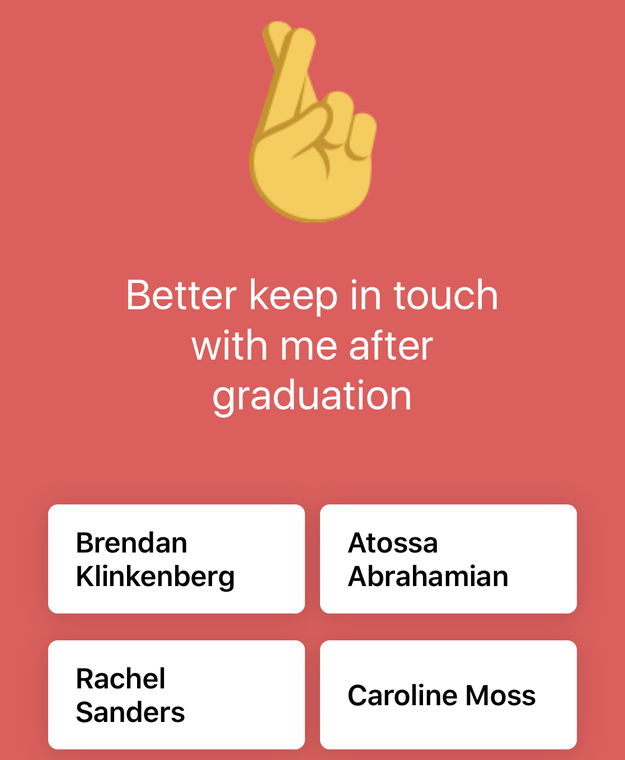
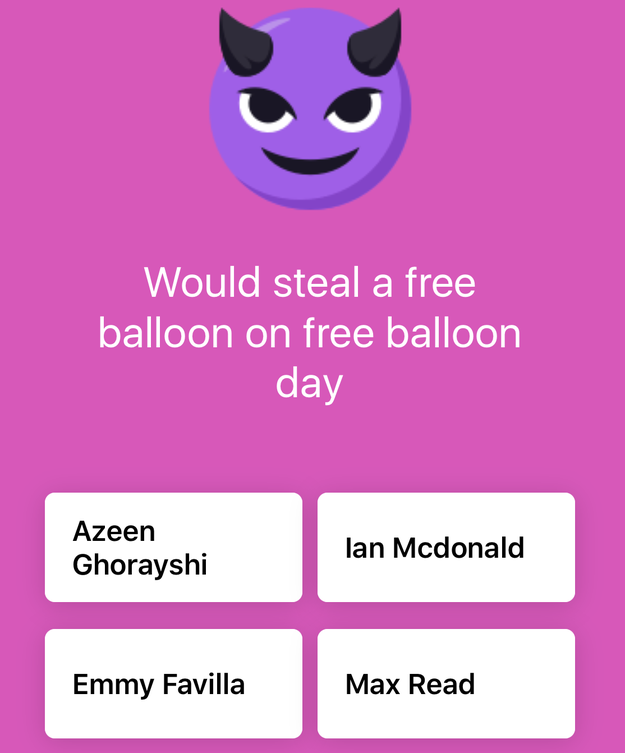
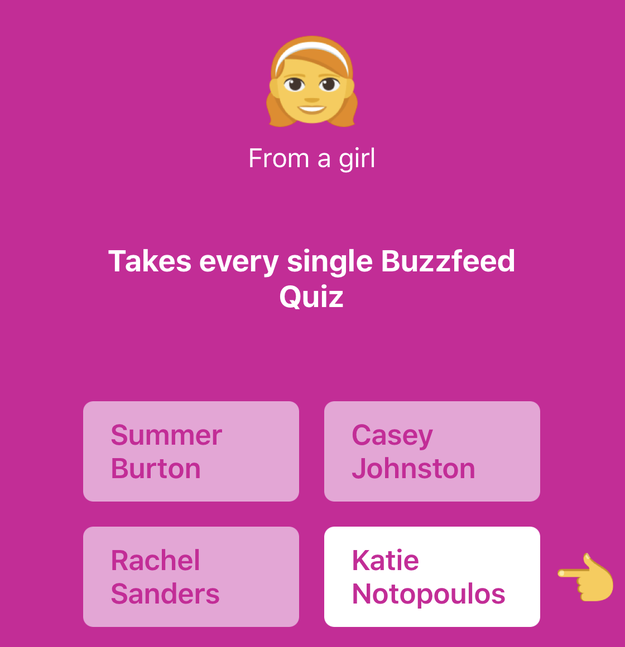
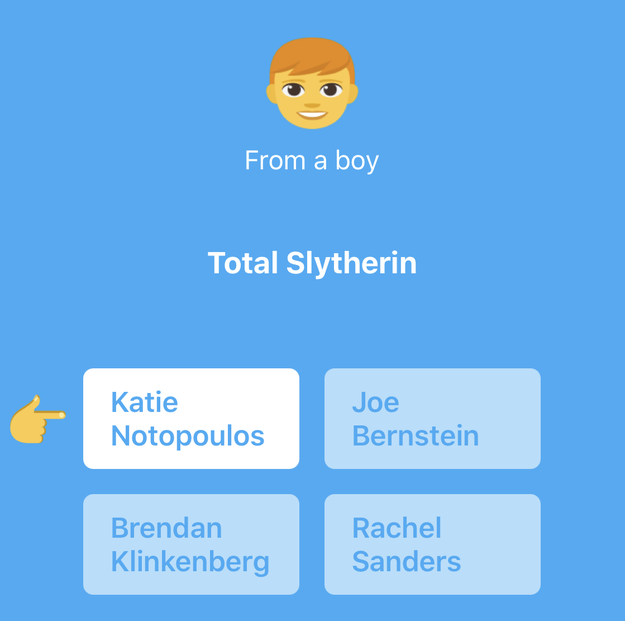
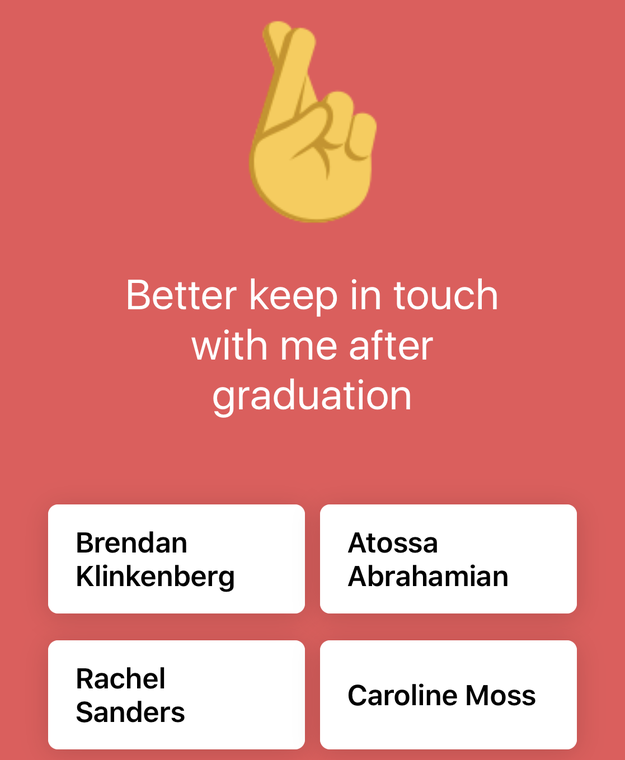
It’s an app for answering questions about your friends. You’re given a (mostly) positive question, such as, “the person I relate to most,” and then it lists four of your friends who are also on the app. You have to choose which one of them the question applies to most. When one of your friends chooses you as a response to a question, you get notified that a boy or girl (there’s a non binary option, too) chose you as the answer. You don’t see the name of who chose you.

Then you can see which ones your friends (anonymously) chose you for.

Then you can see which ones your friends (anonymously) chose you for.

2. Can it be used for bullying?

Not really. The questions are all pretty positive (“always has the best manicure”) or flirty (“Relationship goals?”) — and the ones that are slightly negative are barely so, like, “might run off to join the circus.” Unlike Sarahah or YikYak, which let you write anything anonymously, you can only answer questions the app asks.

That said, I’ve been a teen, and devious teen minds’ ability to invent mean things to do to each other should not be underestimated.

3. So this is for the teens?

Definitely.

4. Then why would I, an adult sign up?

Idk, look, it’s just fun. You get to be goofy with your friends, ok?

5. This sounds dumb, why do people like it?

It feels nice to have people say nice things about you! What more obvious and pure human emotion is there? It's currently the #1 free app in the iTunes store! People love it!

6. Who makes it?

A small company called Midnight Labs in Oakland, CA. According to the company representative I spoke with (who requested to remain anonymous because the company is a sort of egalitarian collective without any one person as its face or name), Midnight Labs had spent five years making social apps that were mostly failures, and they were almost out of money. Then this summer, they had a moment of clarity – they wanted to make something that would make people feel good.

7. How did this spread so fast?

It launched at a single high school in Georgia (TBH doesn’t require you to be in school, but they knew it would work best for teens), and after three days, students at 3,000 schools across Georgia and beyond were using TBH.

There’s a built-in incentive for a user to share the app, too. If you answer a certain number of questions in a row, you get timed out (like Candy Crush). If you want to keep going, you can wait an hour or invite more friends.

8. Why does it say it’s only in a few states?

The company says TBH will roll out to more states soon, but they don’t have an exact timeline. Apparently because it blew up so fast (2 million users signed up in the last six weeks), they just don’t have enough server bandwidth and tech support to expand any faster right now.

However, try your luck — I was able to sneak through in NY even though it said NY wasn’t available. Basically, it’s geofenced, but not that effectively.

9. Is it on Android?

Not yet, and they don’t know when it will be.

Quelle: <a href="What Is The TBH App?“>BuzzFeed

Servicing Azure Stack using the Update resource provider

In today’s world, security is paramount. Microsoft is committed to ensuring your Azure Stack environment stays both secure and functional – as it delivers consistency to build and deploy applications using the same approach, APIs, DevOps tools, and portal, as you use for Azure.

Azure Stack operators must be able to safely and reliably update their Azure Stack infrastructure, while at the same time, provide highly-available, mission-critical services to their customers. Updates can range in scope from software to firmware, across core components of the system. The update process must be easy and predictable, allowing customers to focus on other aspects of their business.

Challenges

How do Azure Stack operators determine where to download updates, how to apply them, what order to apply them in, who to call if there is problem, ensure minimal disruptions or determine maintenance window durations? Enter the Update resource provider, an integral part of Azure Stack.

What we built

Azure Stack has a built-in, dependency-aware orchestration engine that allows Azure Stack operators to import, run and monitor updates for Azure Stack. No additional tooling, internet connectivity or integration is required. Operators simply download the updates for Azure Stack, then import and run them using the Update tile in the Administrator portal during a pre-defined maintenance window. The fully-native Update resource provider will ensure updates are applied across all physical hosts, Service Fabric applications and runtimes, as well as all infrastructure roles.

Using the Update tile is easy, and managing updates from the administrator portal is a simple process. Operators navigate to the Updates tile to:

View important information, such as the current cloud version
Install available updates
Review update history for previously installed updates
View the cloud’s current OEM package version

As you can see below, an Azure Stack operator has downloaded and imported an update into Azure Stack that has been processed by the Update resource provider and is ready to be installed.

As updates are installed, an operator can easily view high-level status as the update process iterates through various subsystems in Azure Stack. Example subsystems include physical hosts, Service Fabric, infrastructure virtual machines, and services that provide both the administrator and user portals. High-level logging can be easily viewed during the update process using the “Download full logs” button from the Update run details blade.

Throughout the update process, the Update resource provider will report back to the operator additional details about the update, such as the number of steps that have succeeded, as well as the number in progress.

Once completed, the Update resource provider provides a “Succeeded” confirmation to the operator informing them that the update process has been completed and how long it took. From there, operators can view information about all updates, available updates or installed updates using the filter as seen below. Should the update fail to apply, the Update will report as “Needs attention” and will, in most cases, require a support ticket to be initiated. Use the “Download full logs” as indicated above to get a high-level status of where the update could have failed. In most cases, using the Azure Stack log collection will help facilitate diagnostics and troubleshooting.

Looking ahead

Customers can expect updates for Azure Stack to release at least monthly – and while Microsoft strongly encourages installing the updates as soon as possible, we understand there may be circumstances where updates are unable to be installed. In this case, customers can defer updates for up to three months to stay within our support boundaries. Please note, the updates for Azure Stack are non-cumulative and must be installed sequentially, so plan on extended maintenance windows under these circumstances. 

Firmware updates, provided by the OEM, will be updated outside the Update resource provider. Similar to software updates provided by Microsoft, maintenance windows will be strongly recommended. Contact your Azure Stack OEM for more information on firmware updates for Microsoft Azure Stack.

More information

For more information about managing updates in Azure Stack, see the Manage updates in Azure Stack section of our online documentation. Also if you are heading to Microsoft Ignite, drop by the Updating and Servicing Microsoft Azure Stack session (THR3007R2). For more information on our support policy, visit the Azure Stack product lifecycle policy page.
Quelle: Azure